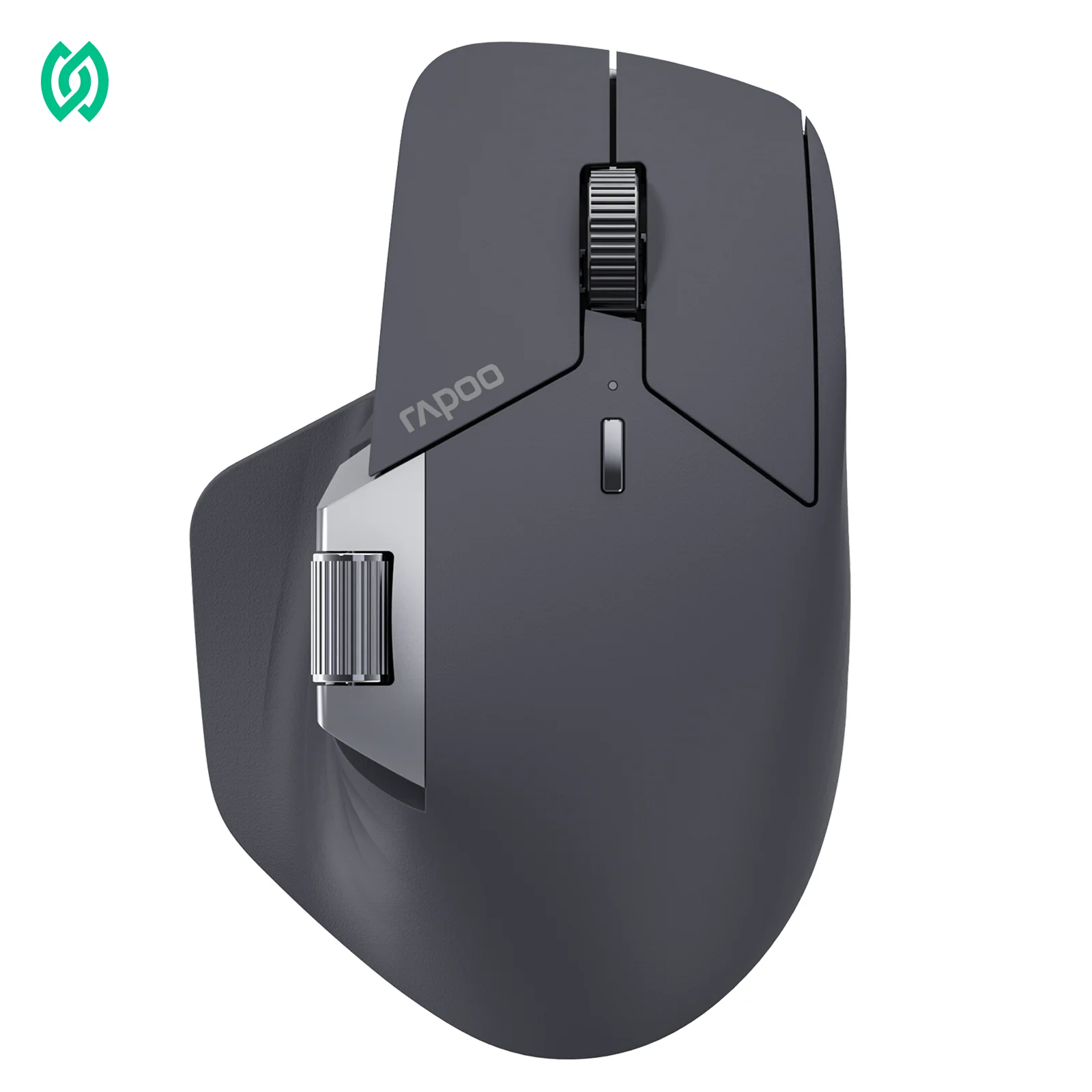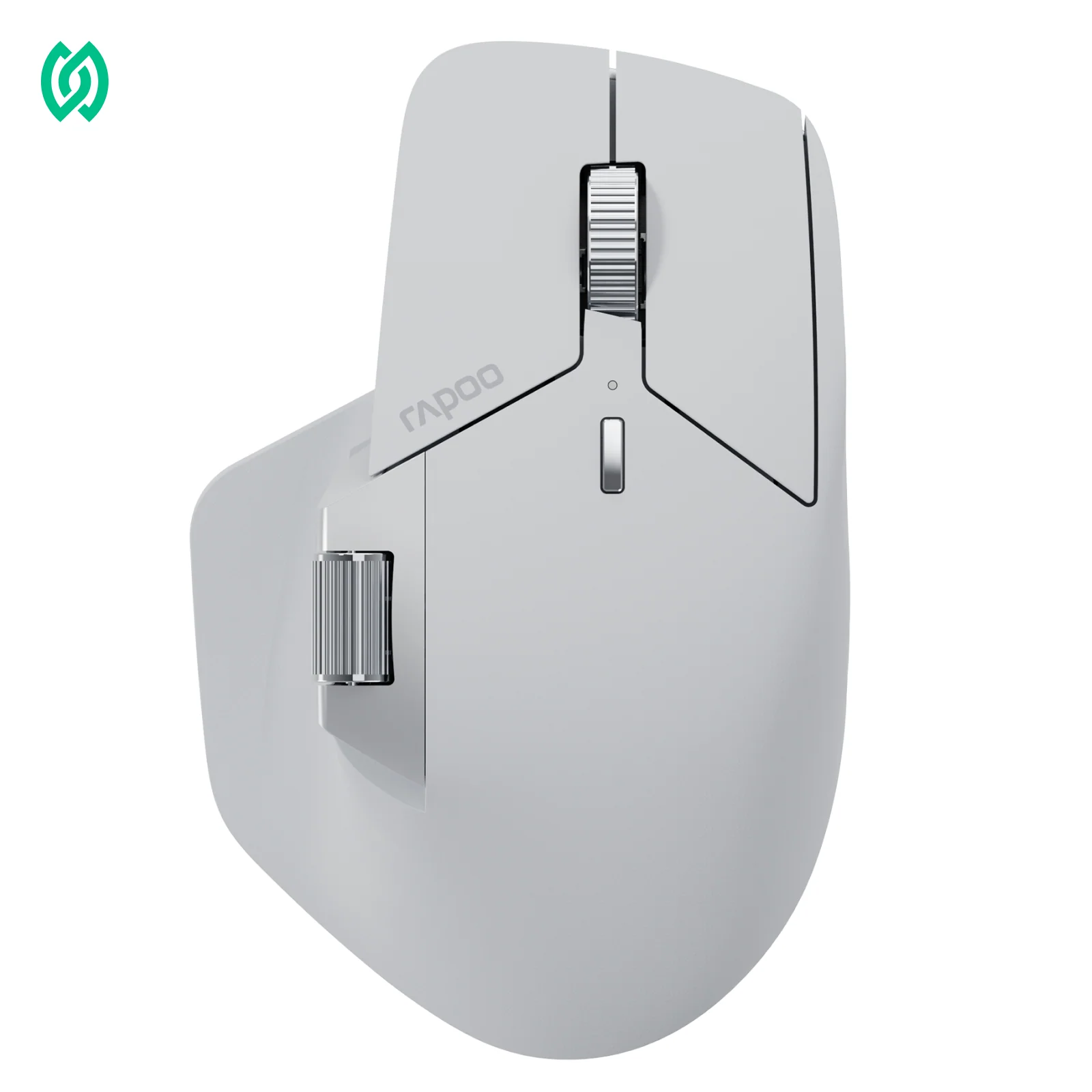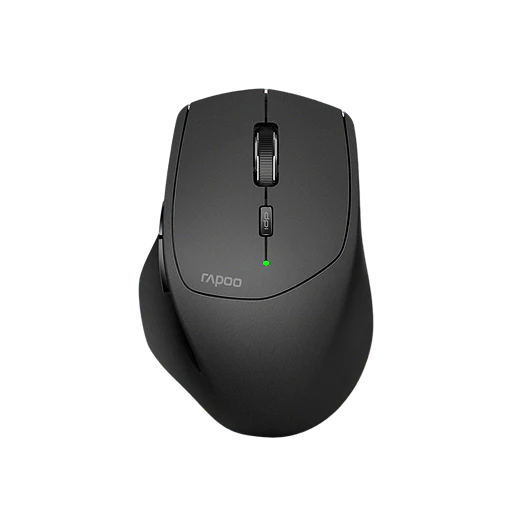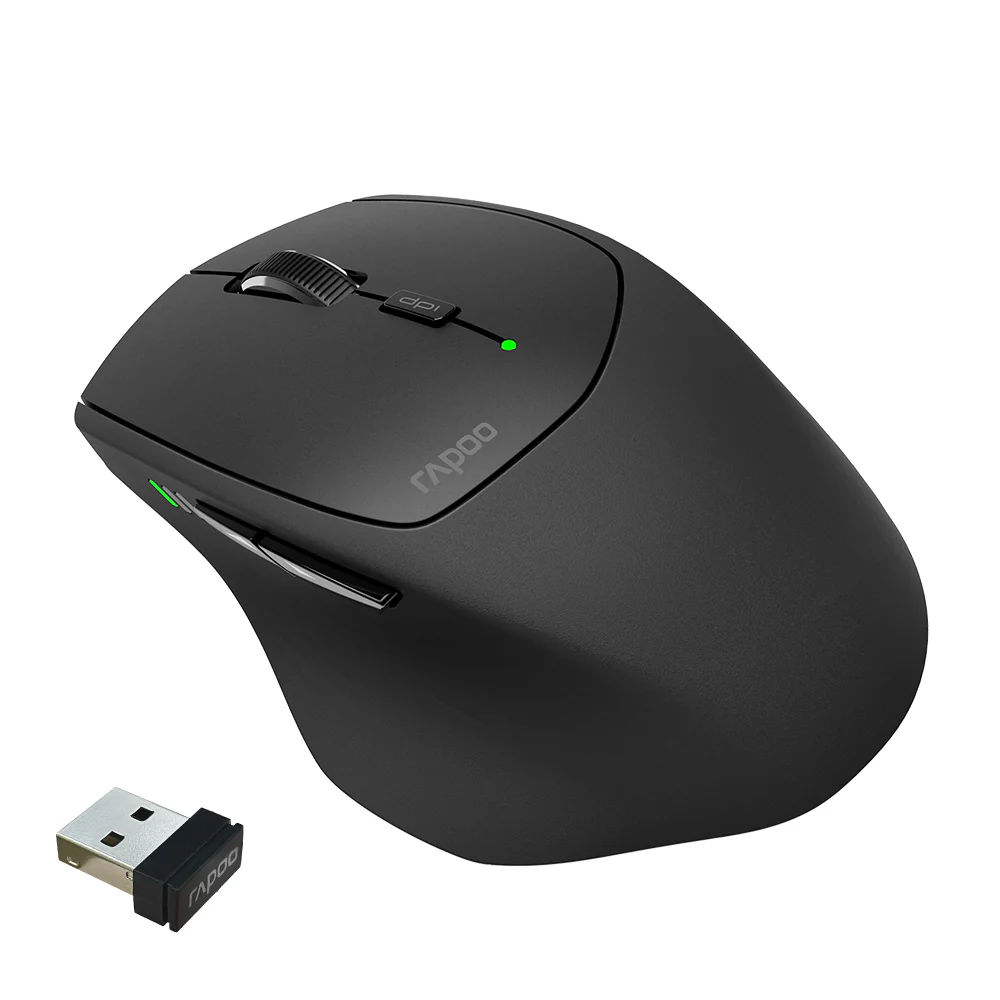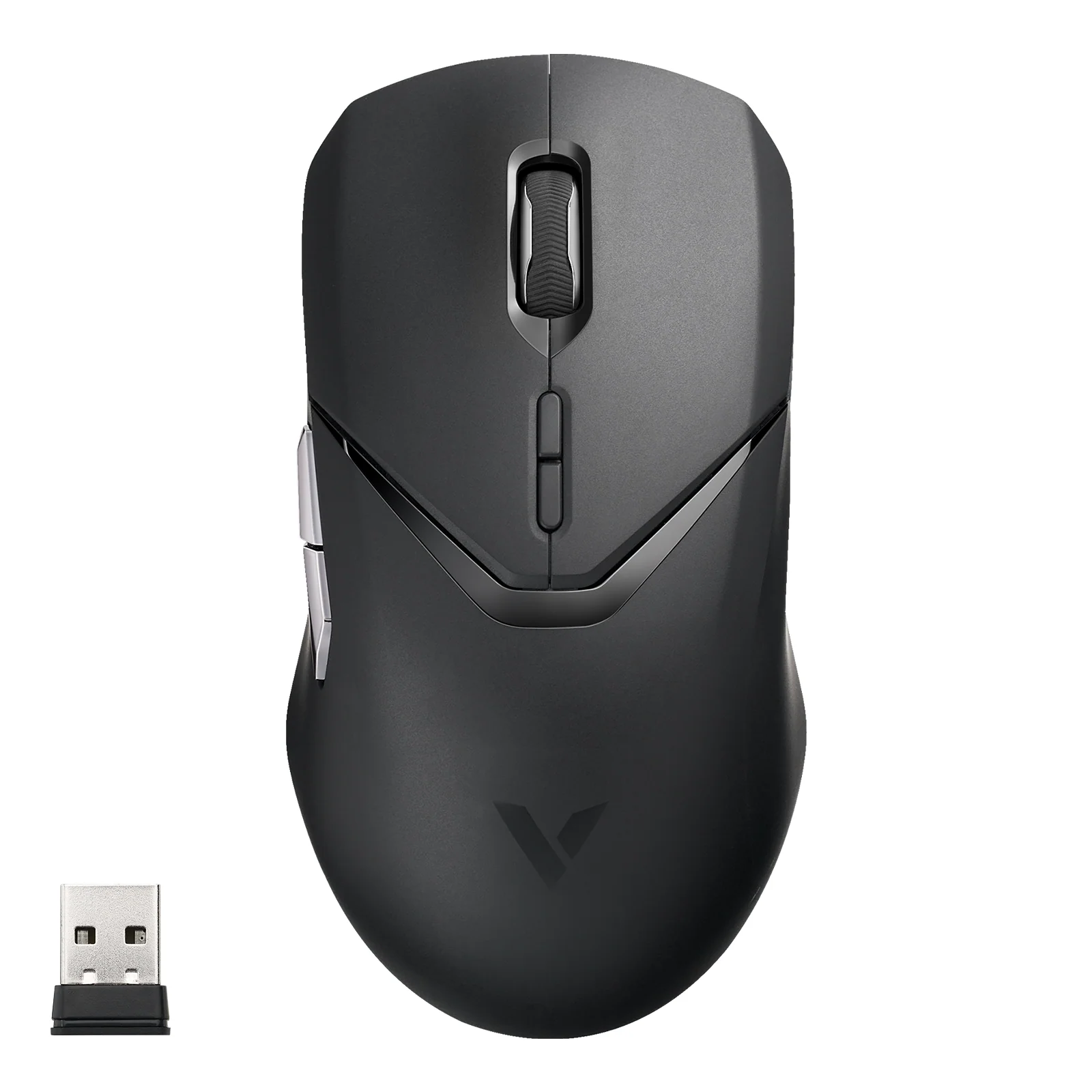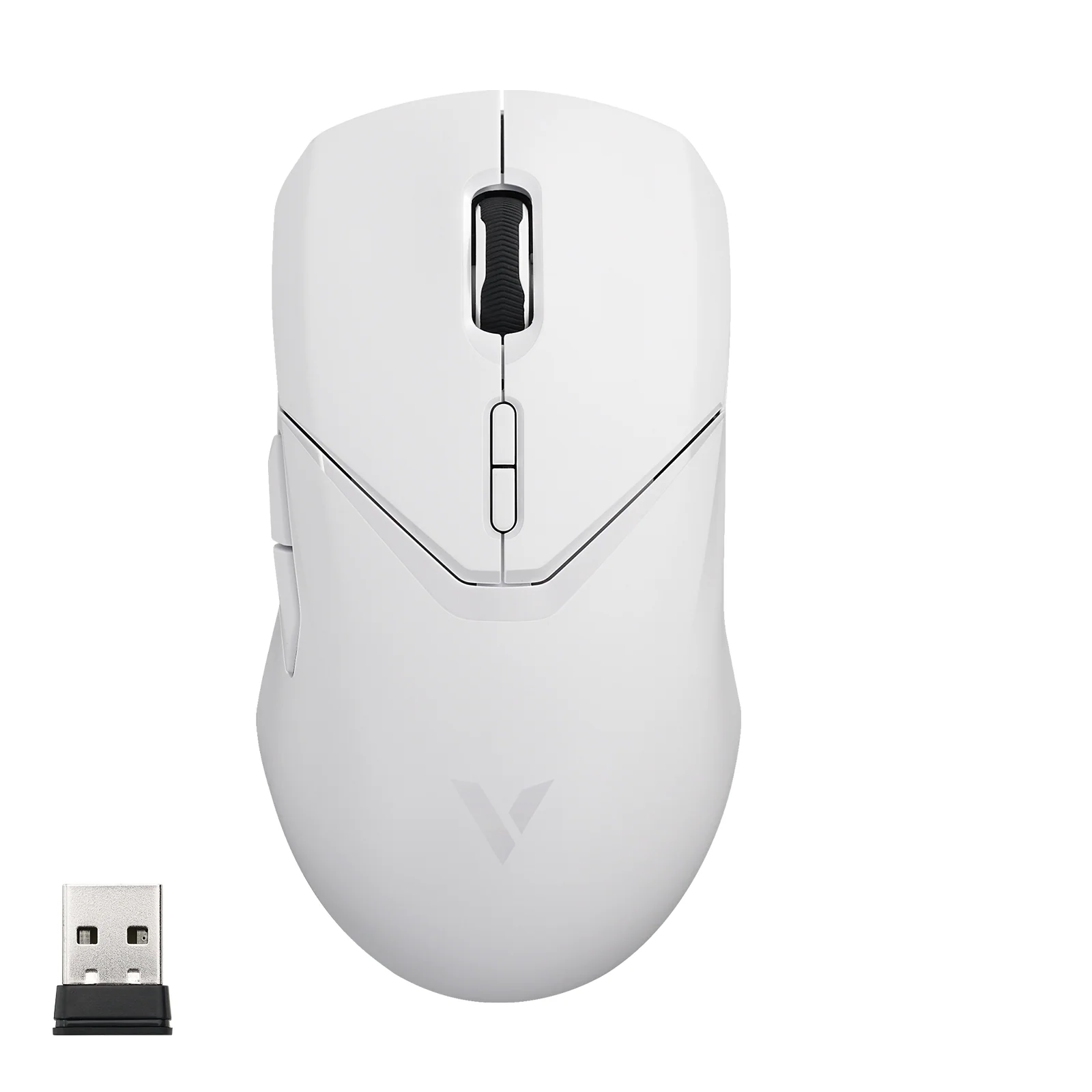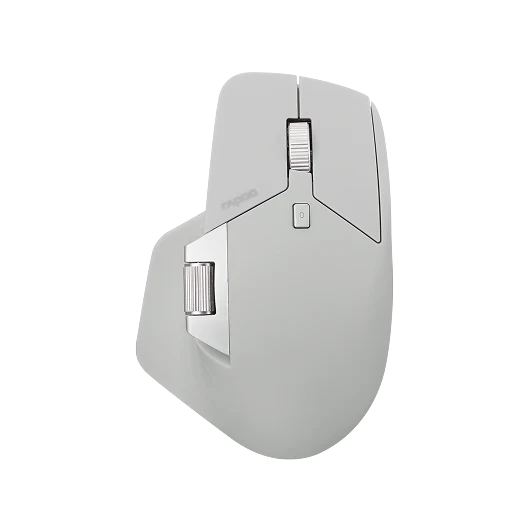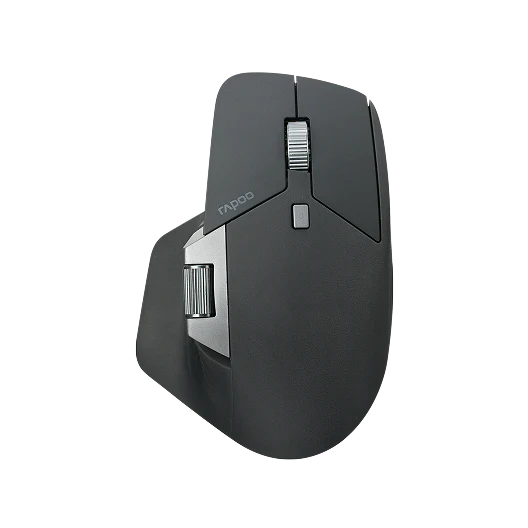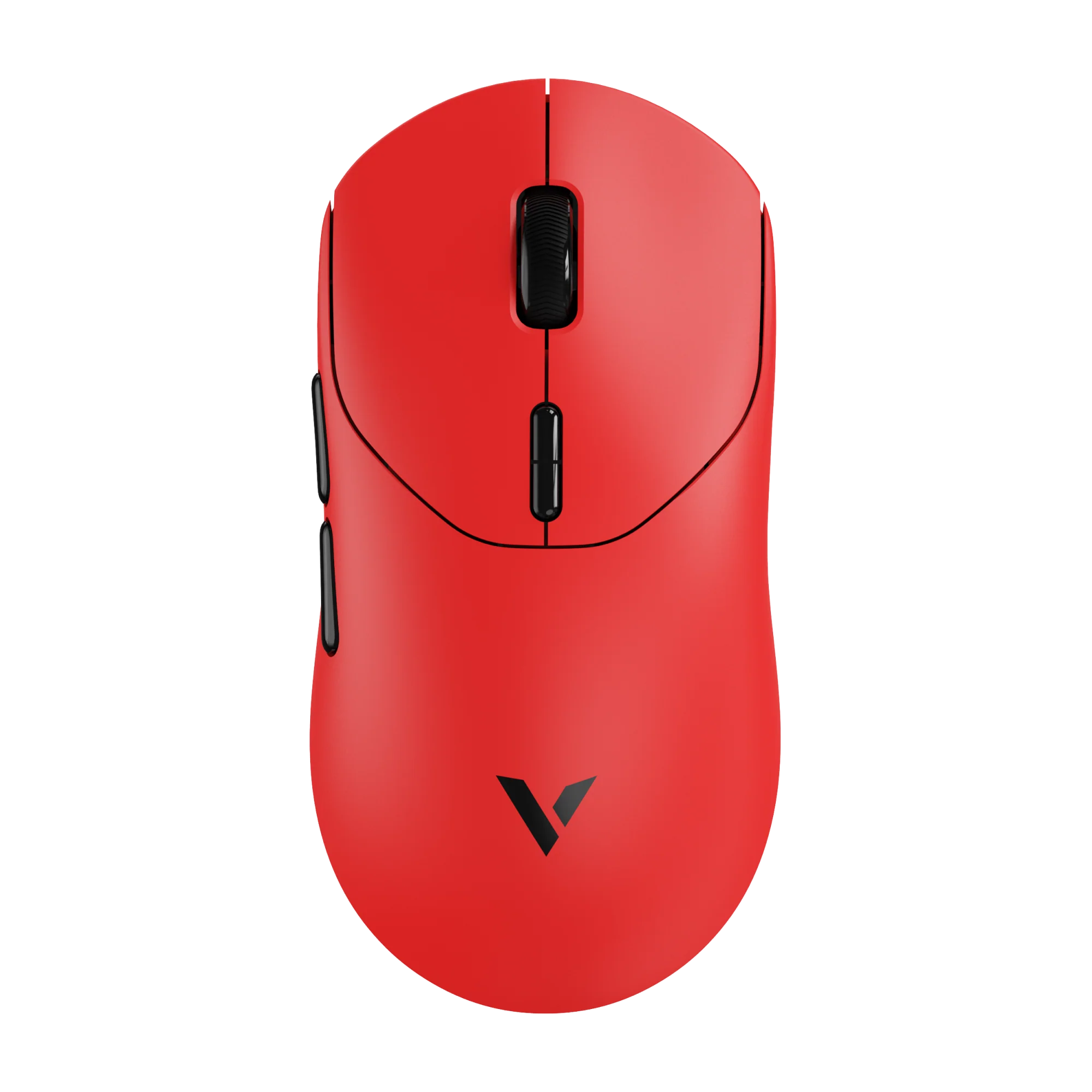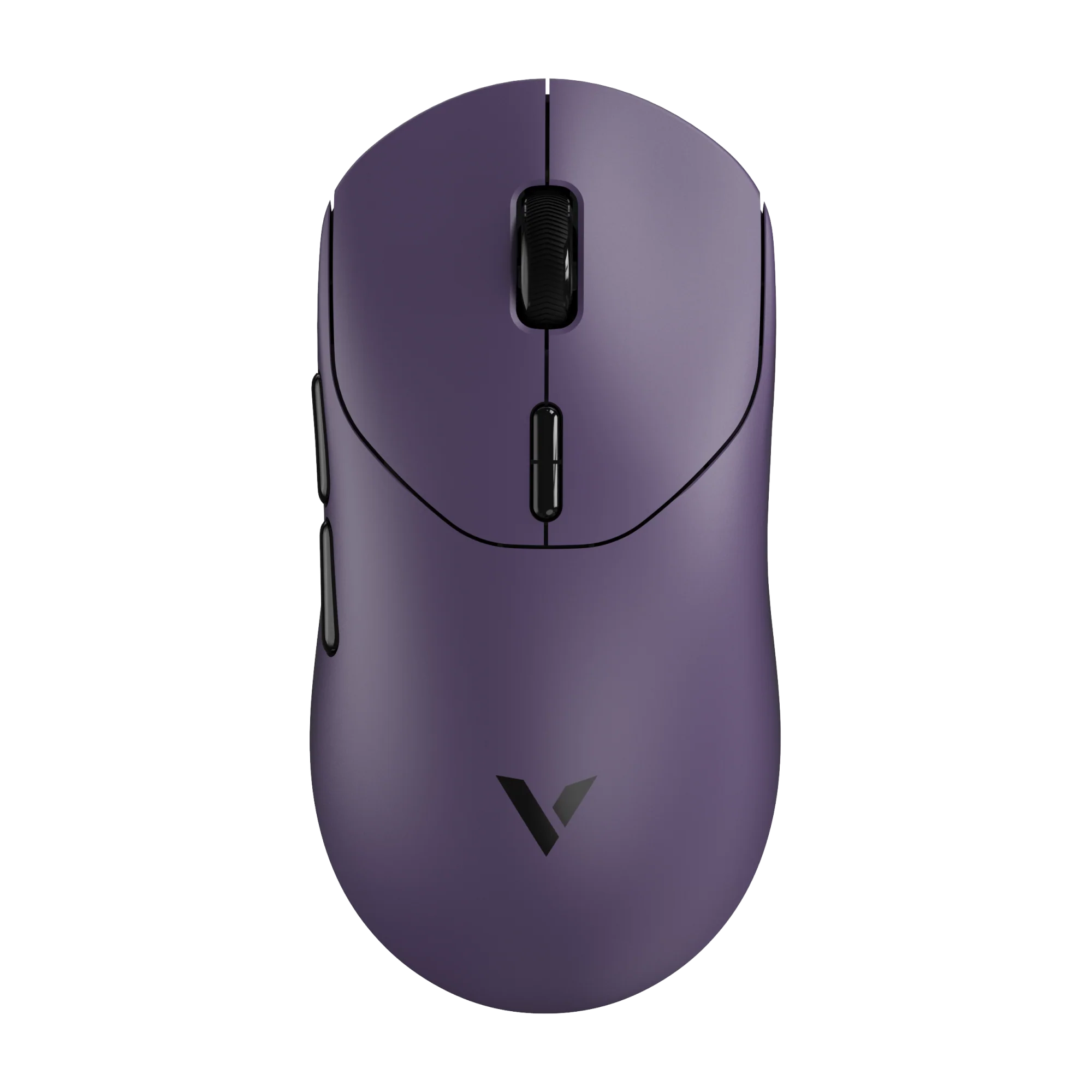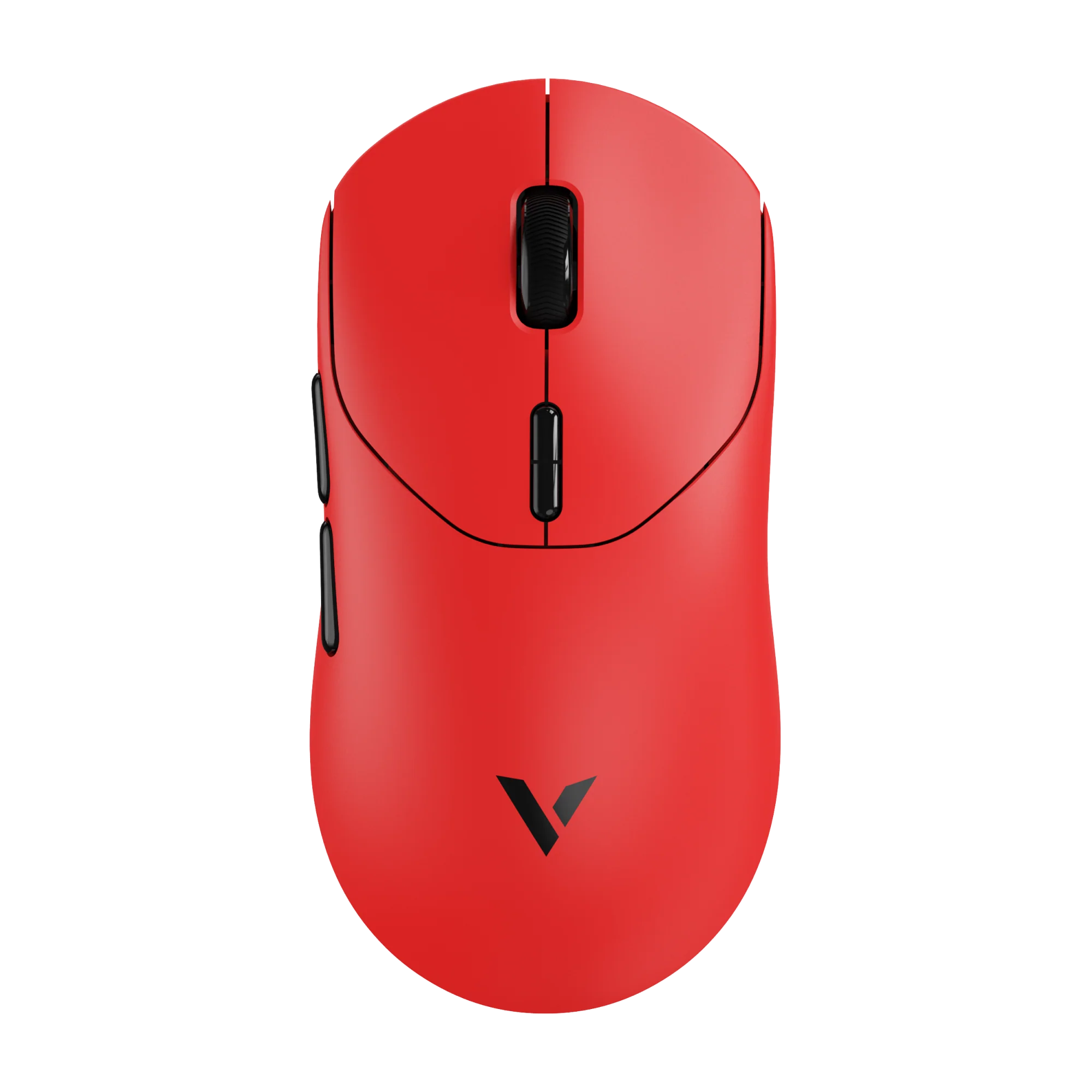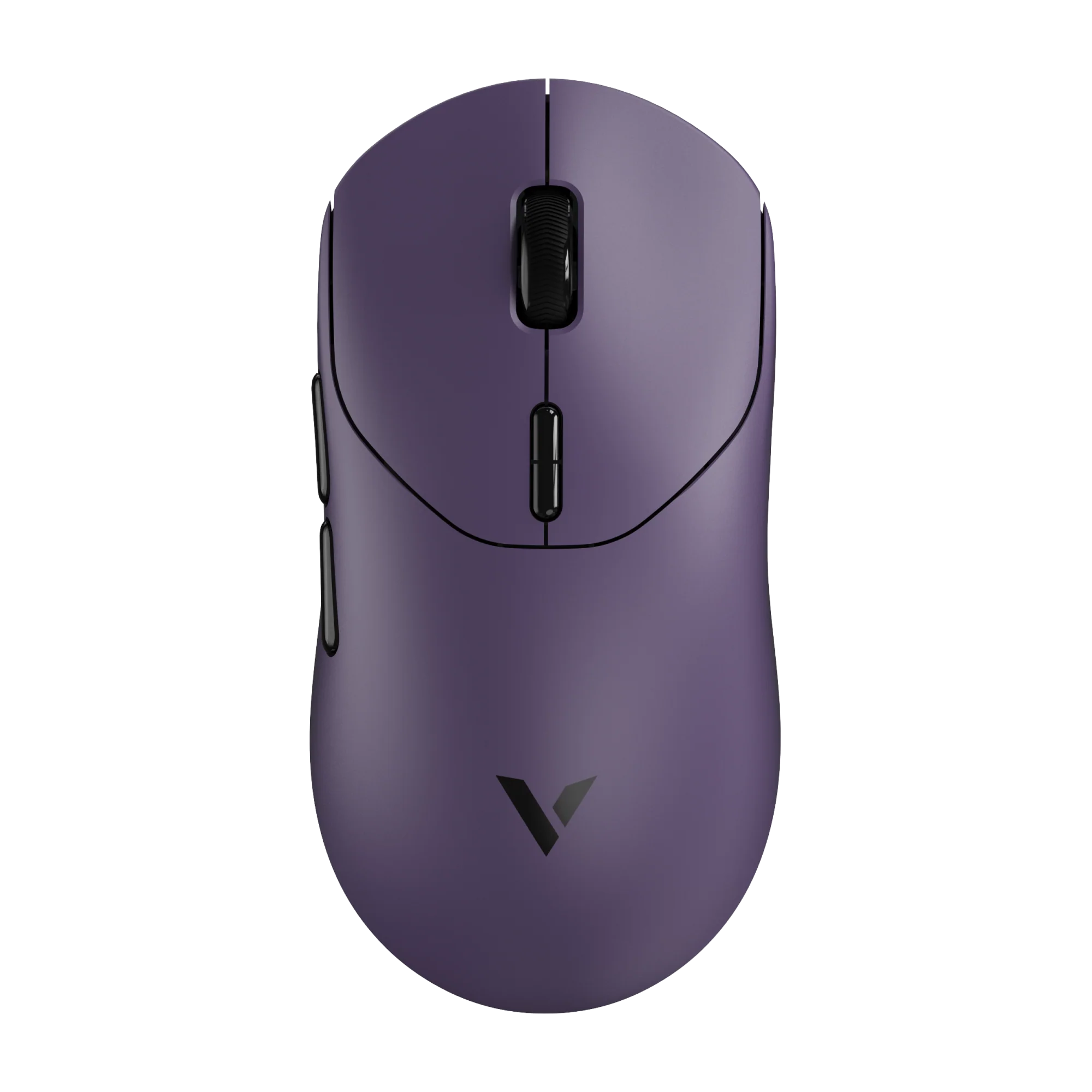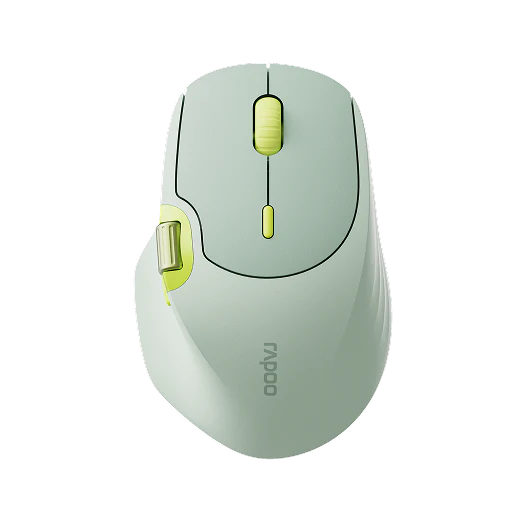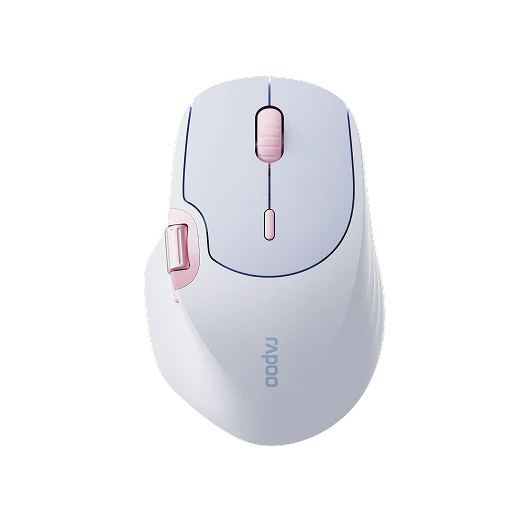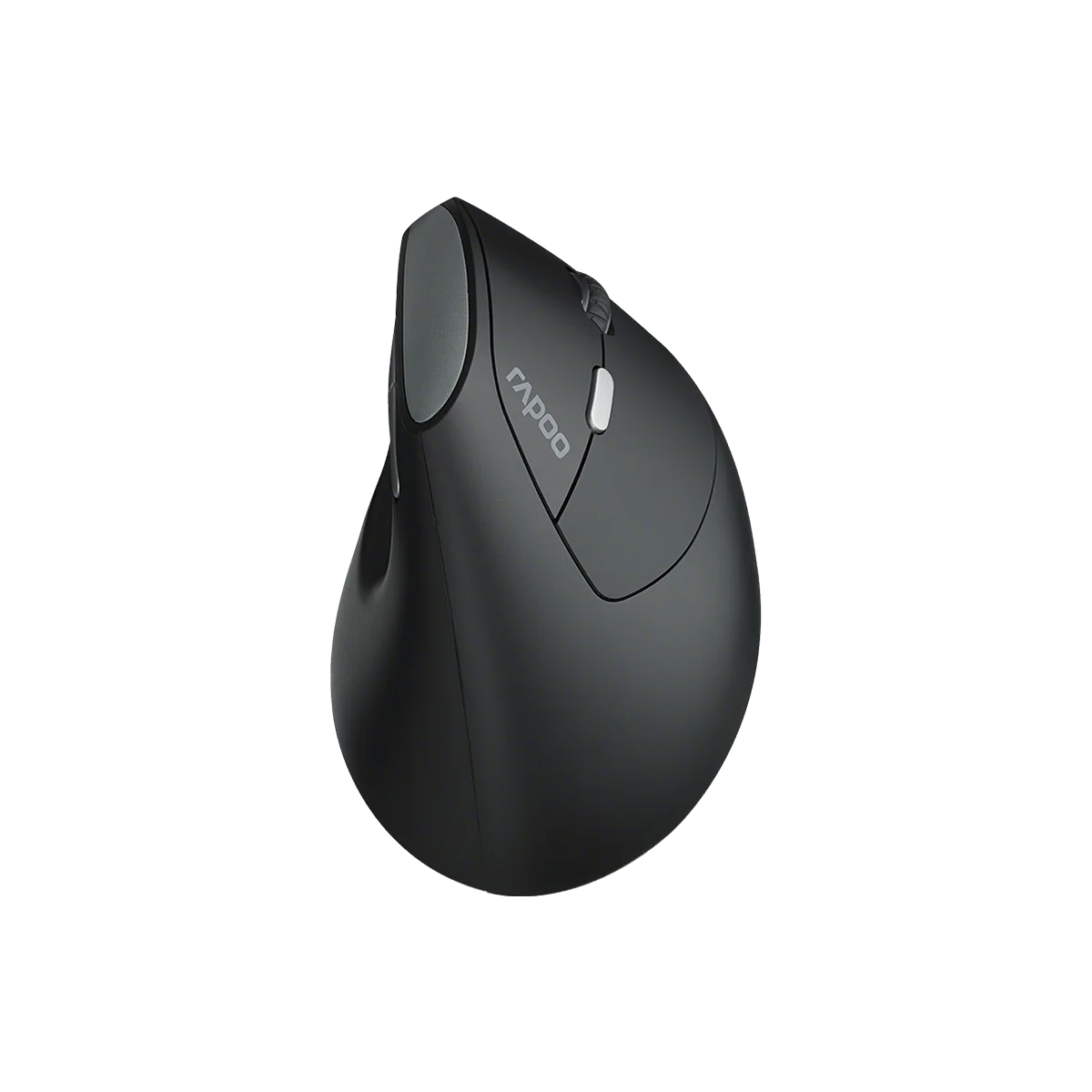
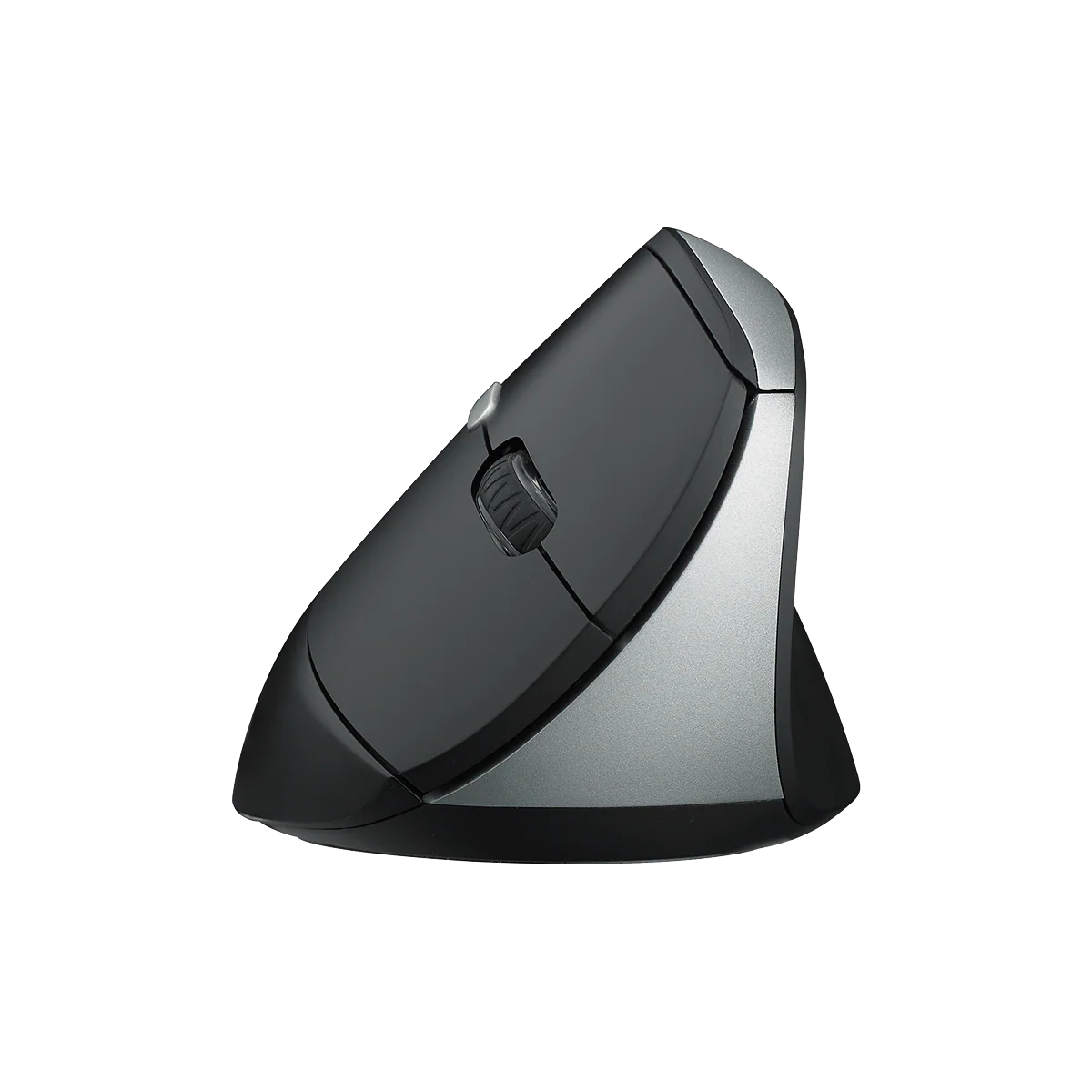
Rapoo EV250 Silent Vertical Ergonomic Wireless Optical Mouse
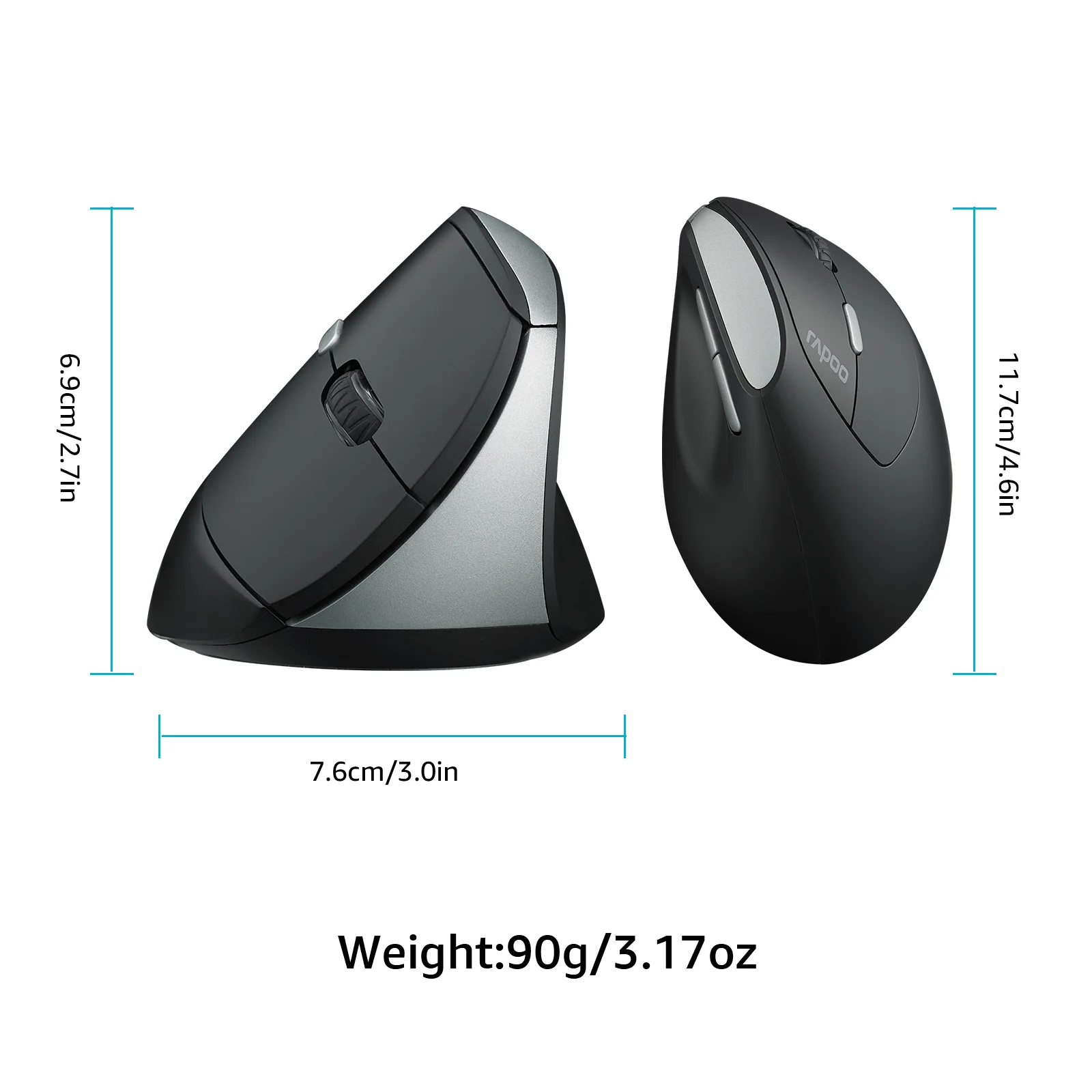
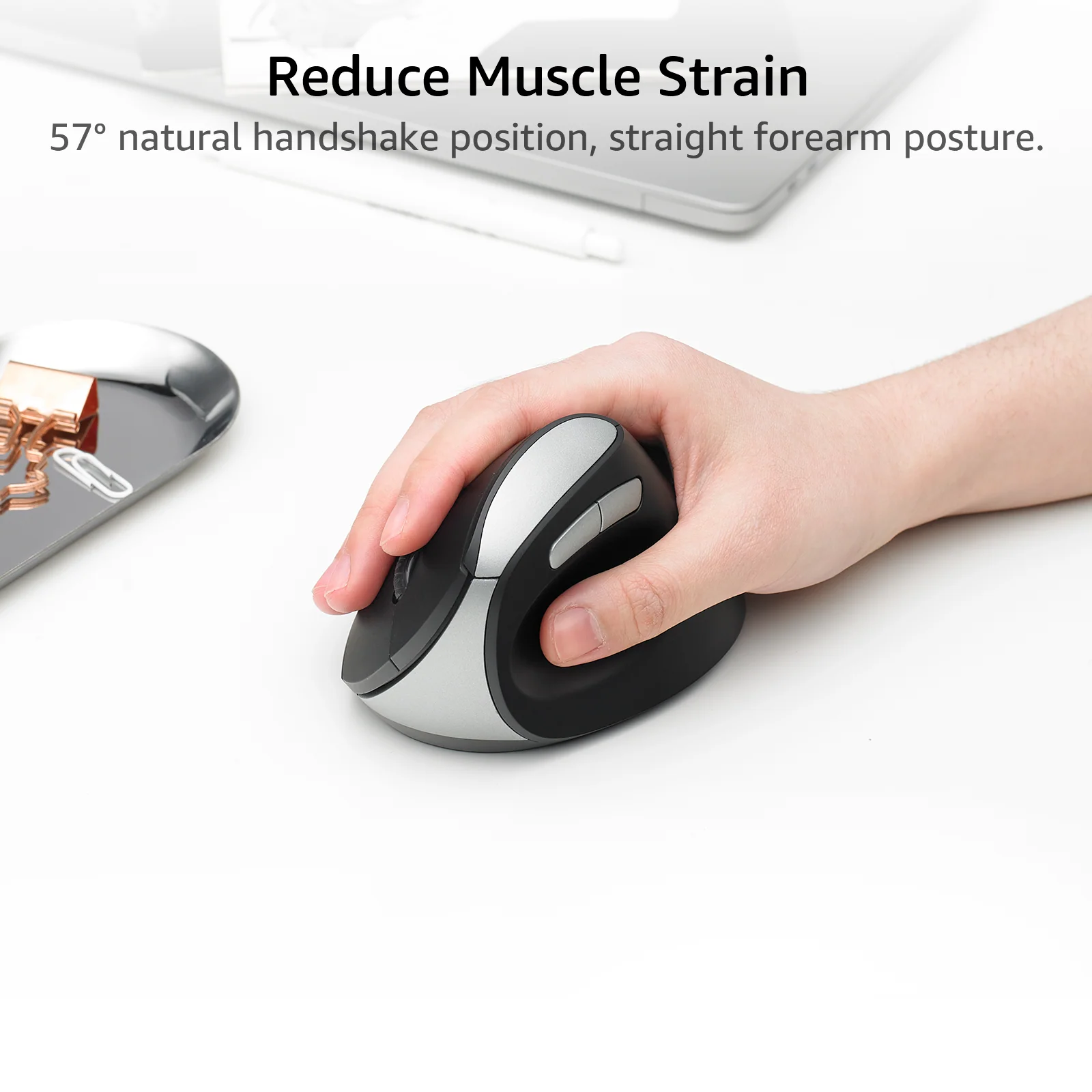
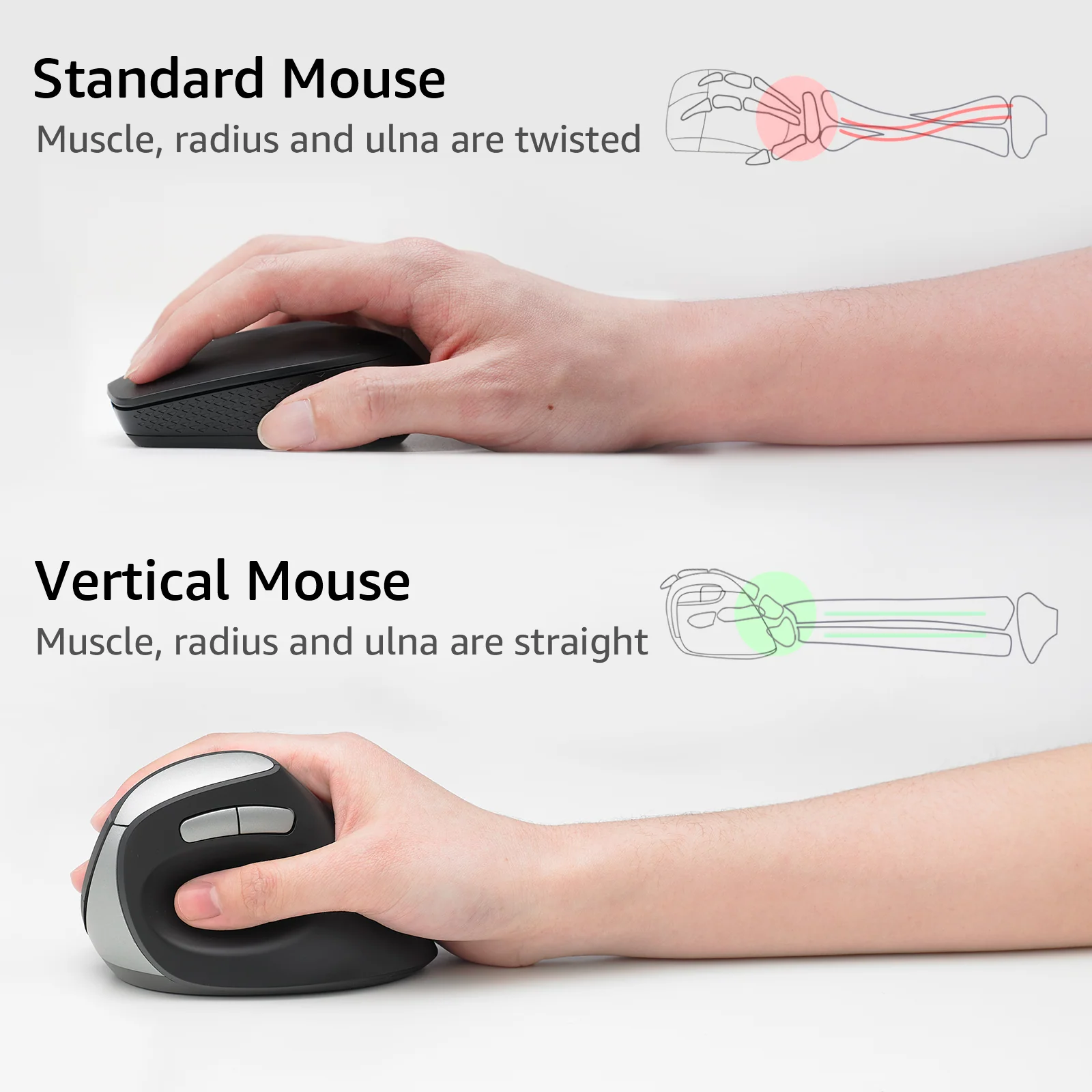
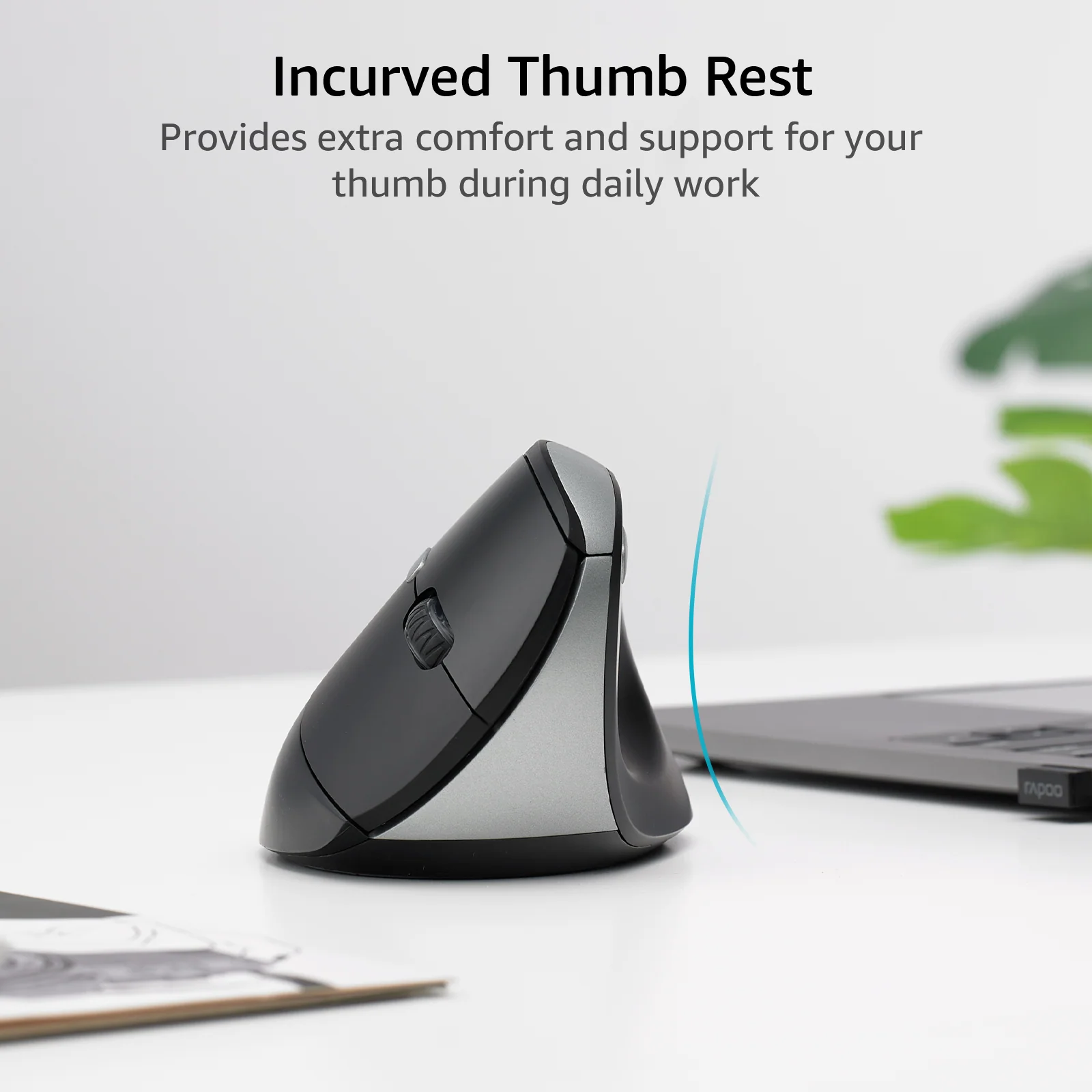
- Improved Comfort & Reduced Strain: Designed for a more natural and straight forearm posture that places your arm in a natural handshake position, this ergonomic shaped vertical mouse fits your arm and wrist like a glove which can help you reduce muscular strain.
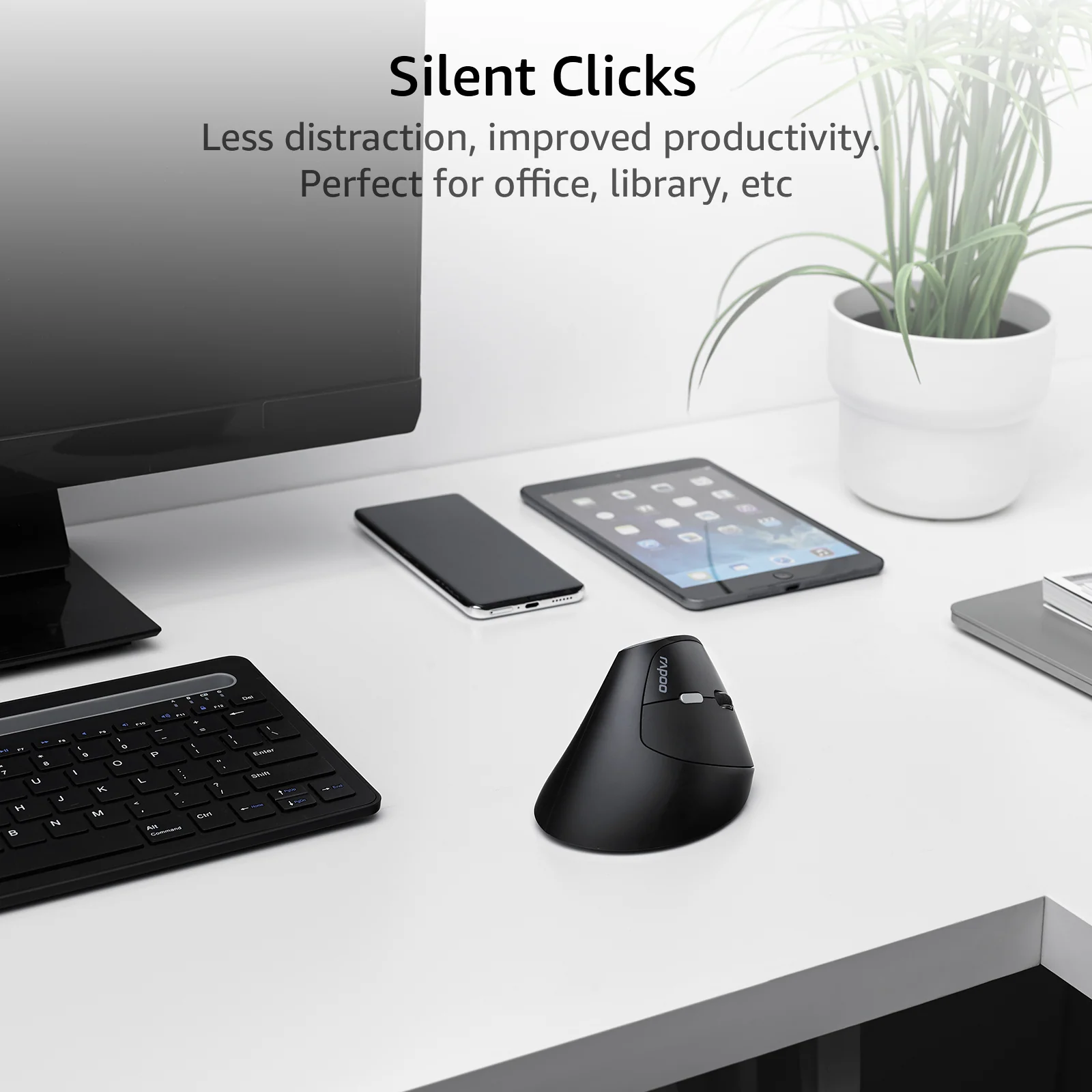
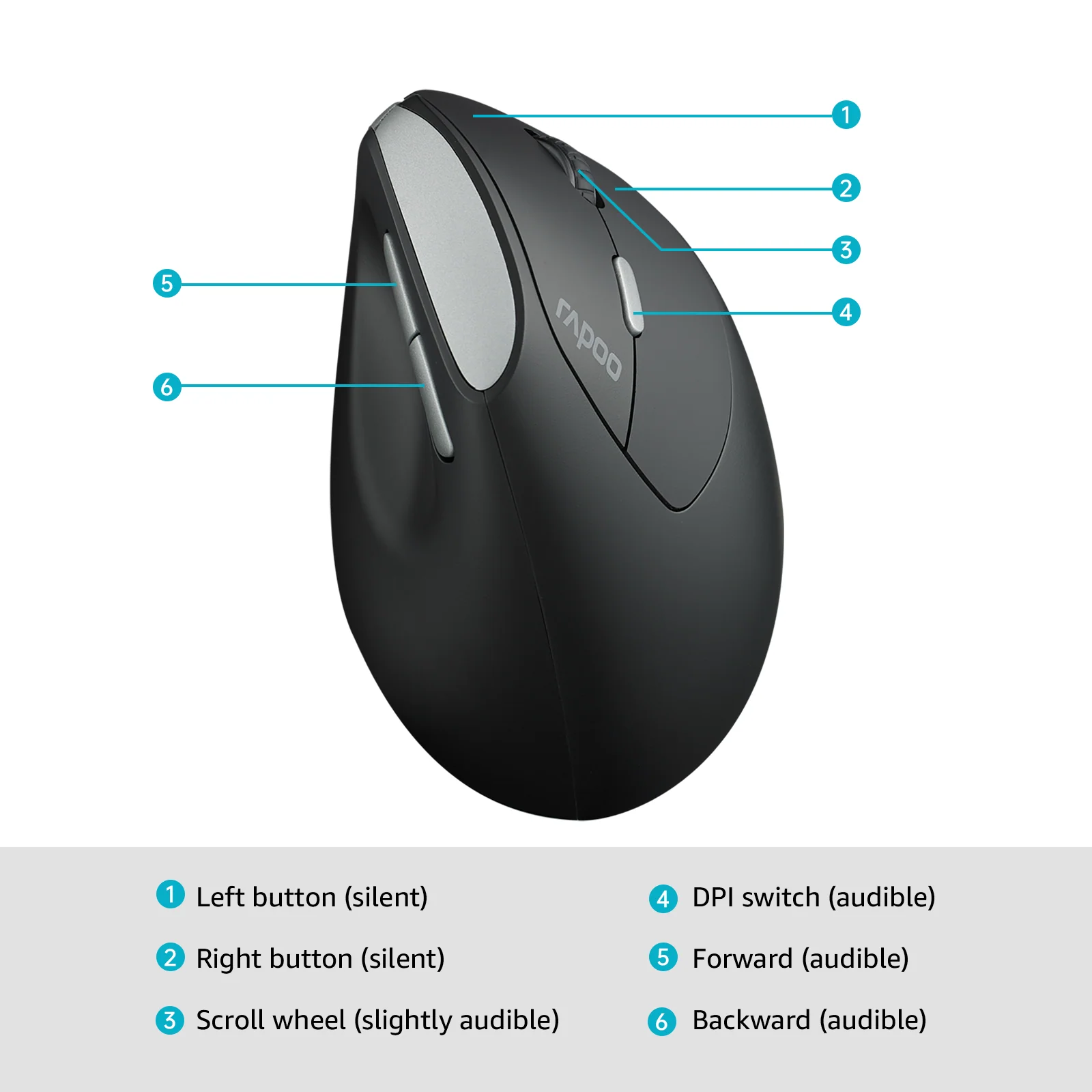
- Silent yet Tactile Clicks: The left and right buttons adapts quiet click technology which eliminates 90% click noise for less distraction and better focus. You barely hear it while you can clearly feel it.
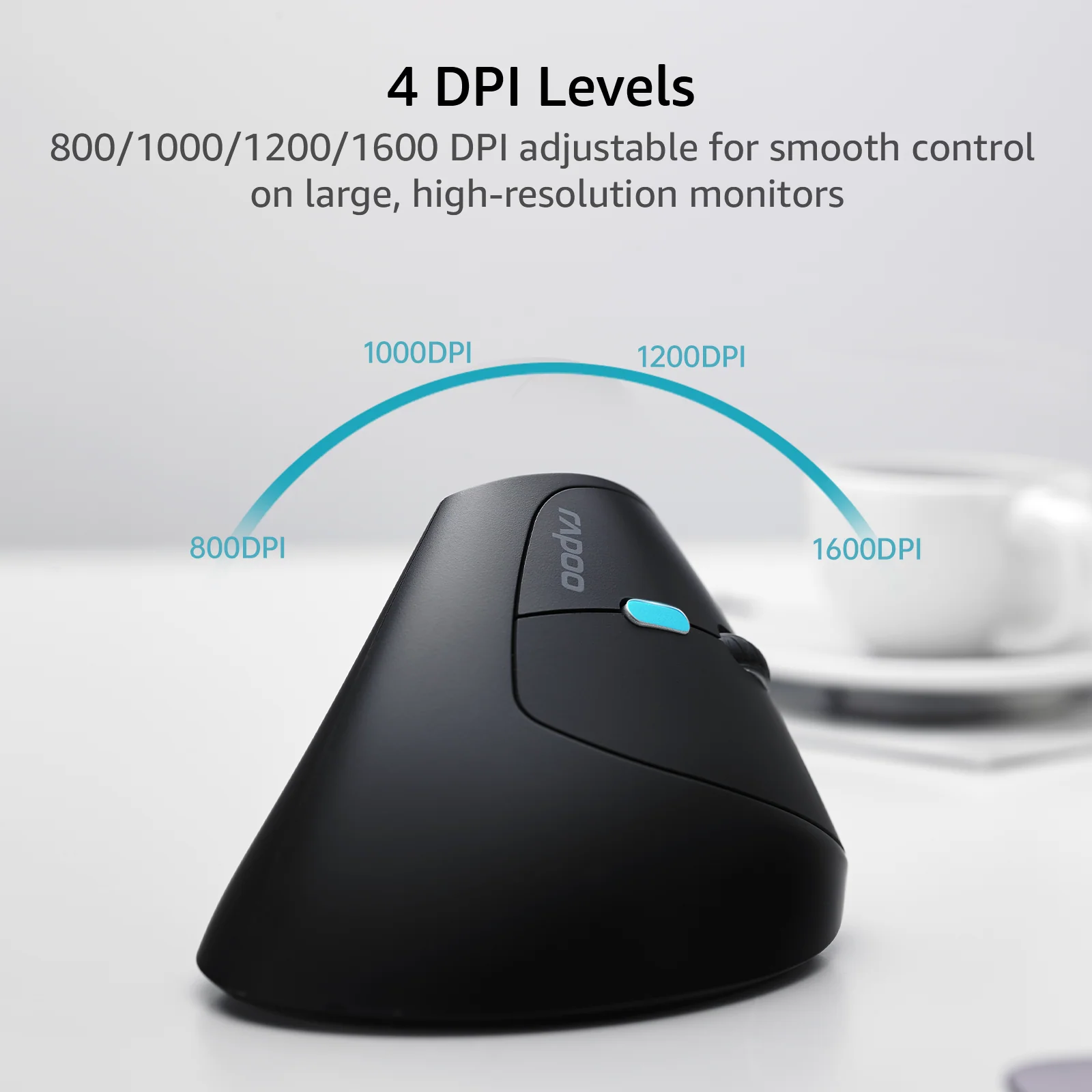
- 4 DPI Levels: Switch easily from 800/1000/1200/1600 DPI with one button, experience fast and precise control on large, high-resolution monitors.
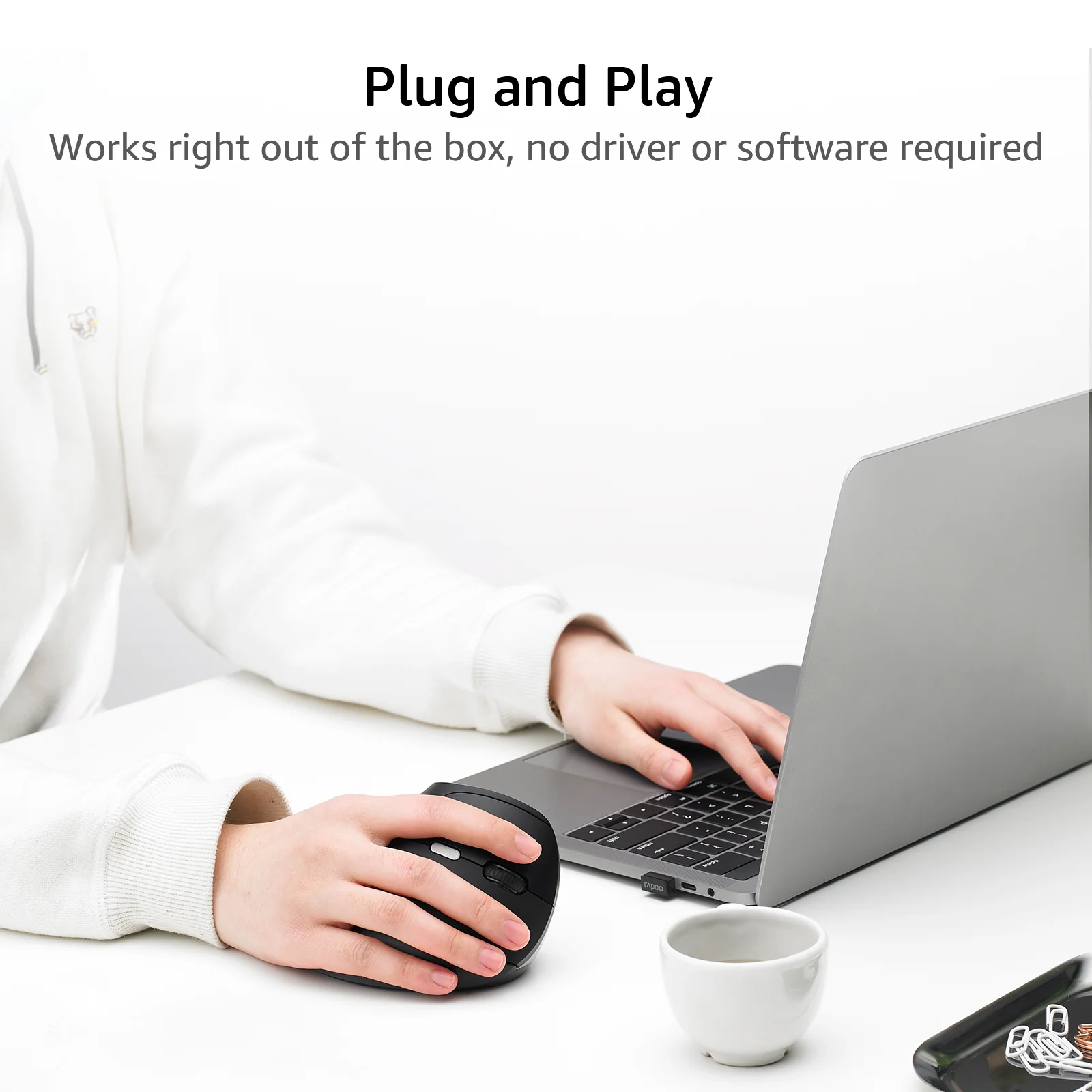
- Plug and Play: Works right out of the box - no driver or software required, just insert the USB receiver and there you go.
- Wide Compatibility: Supports Windows, Mac OS, Linux, Chrome, Android and other system laptop or pc with USB-A port. To use the mouse on devices that only have type-c ports, you’ll need a USB-A female to USB-C male adapter (excluded).
$23.99
Rapoo EV250 Silent Vertical Ergonomic Wireless Optical Mouse—
$23.99
Product Information
Product Information
Shipping & Returns
Shipping & Returns
Description
- Improved Comfort & Reduced Strain: Designed for a more natural and straight forearm posture that places your arm in a natural handshake position, this ergonomic shaped vertical mouse fits your arm and wrist like a glove which can help you reduce muscular strain.
- Silent yet Tactile Clicks: The left and right buttons adapts quiet click technology which eliminates 90% click noise for less distraction and better focus. You barely hear it while you can clearly feel it.
- 4 DPI Levels: Switch easily from 800/1000/1200/1600 DPI with one button, experience fast and precise control on large, high-resolution monitors.
- Plug and Play: Works right out of the box - no driver or software required, just insert the USB receiver and there you go.
- Wide Compatibility: Supports Windows, Mac OS, Linux, Chrome, Android and other system laptop or pc with USB-A port. To use the mouse on devices that only have type-c ports, you’ll need a USB-A female to USB-C male adapter (excluded).